



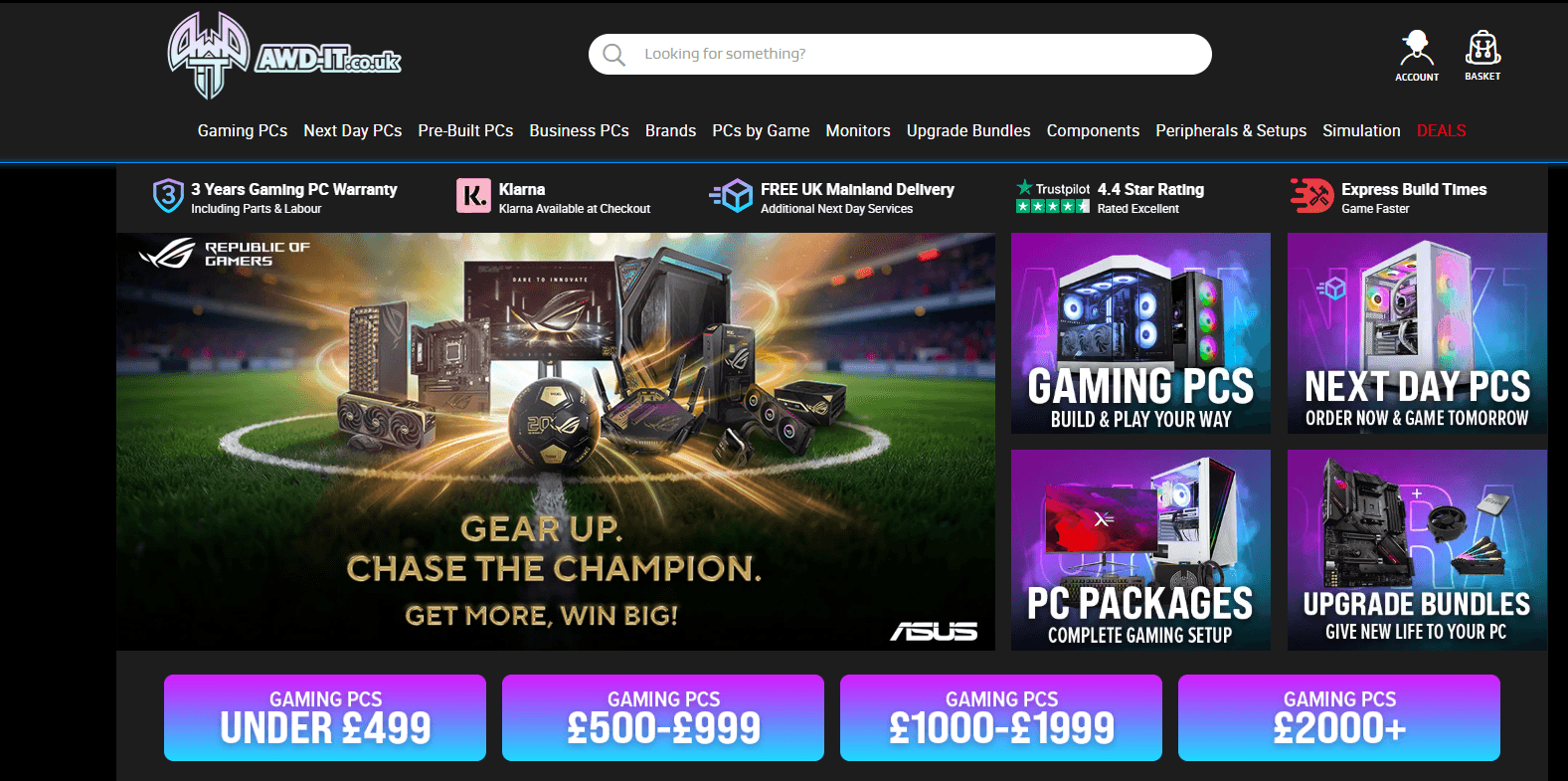
AWD-IT: Build, Upgrade and Buy Your Ideal Gaming PC
Buying a new computer is no longer as simple as choosing between a laptop and a desktop. For gamers, content creators, professionals and PC enthusiasts, performance depends on a combination of carefully selected components. The processor, graphics card, memory, storage, cooling and power supply all play a role in determining how well a system performs.
That is why specialist PC retailers remain important for buyers who want more choice than a standard off-the-shelf computer can provide. AWD-IT is a UK destination for gaming PCs, desktop systems, components, upgrades and computer hardware, making it relevant to shoppers who want to build, customise or improve their setup.
Whether you are putting together your first gaming rig, replacing an ageing graphics card, upgrading your workstation or searching for a complete PC, AWD-IT offers a wide range of options for different requirements and budgets.
Why Choosing the Right PC Matters
A computer purchase can represent a significant investment, particularly when high-performance gaming or demanding creative software is involved. Choosing the wrong configuration can mean spending too much on components you do not need or, alternatively, buying a system that struggles with the tasks you actually perform.
For example, a PC designed mainly for competitive esports gaming may require a different balance of components than a machine intended for 4K gaming, video editing, 3D rendering or professional productivity.
Before shopping, it helps to think about how you will actually use your computer.
- What games or software will you run?
- What monitor resolution do you use?
- Do you need high frame rates?
- Will you edit video or work with large files?
- How much storage do you need?
- Do you want to upgrade the PC later?
- What is your realistic budget?
Answering these questions first can make browsing the extensive range at AWD-IT considerably easier.
Gaming PCs for Different Types of Players
There is no single definition of the perfect gaming PC. The ideal specification depends heavily on the games you play and the performance you expect.
Someone playing fast-paced competitive games may focus on high refresh rates and consistently smooth performance. A player who enjoys graphically demanding open-world titles may instead prioritise graphics performance and visual quality.
When choosing a gaming PC, it is useful to consider:
- Processor performance
- Graphics card capability
- Amount and speed of RAM
- SSD storage capacity
- Cooling performance
- Power supply quality
- Future upgrade potential
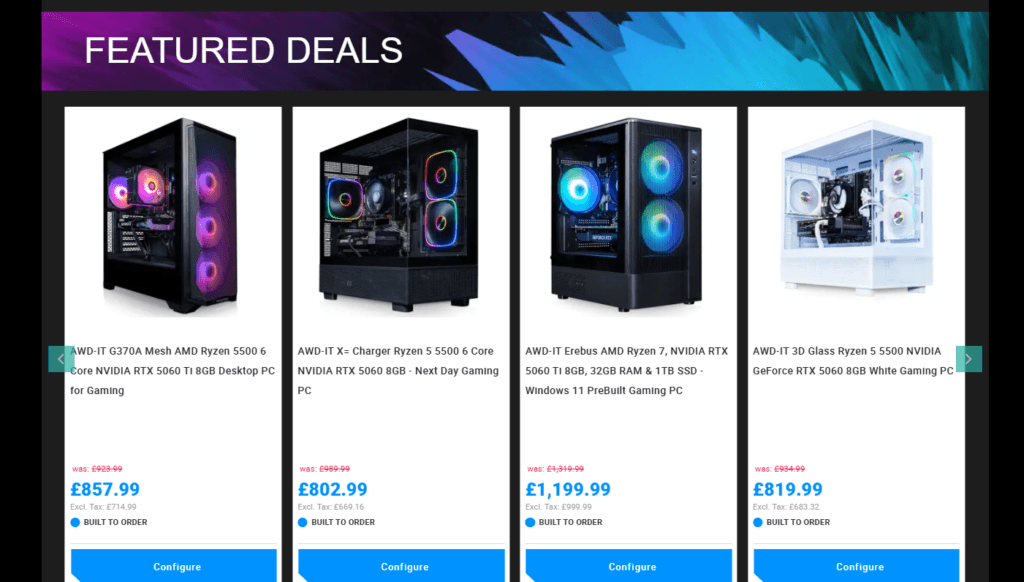
The selection available through AWD-IT gives UK shoppers the ability to compare complete systems and individual hardware depending on the level of performance they need.
Pre-Built PC or Custom Configuration?
One of the biggest decisions for a PC buyer is whether to purchase a ready-made system or choose a more customised configuration.
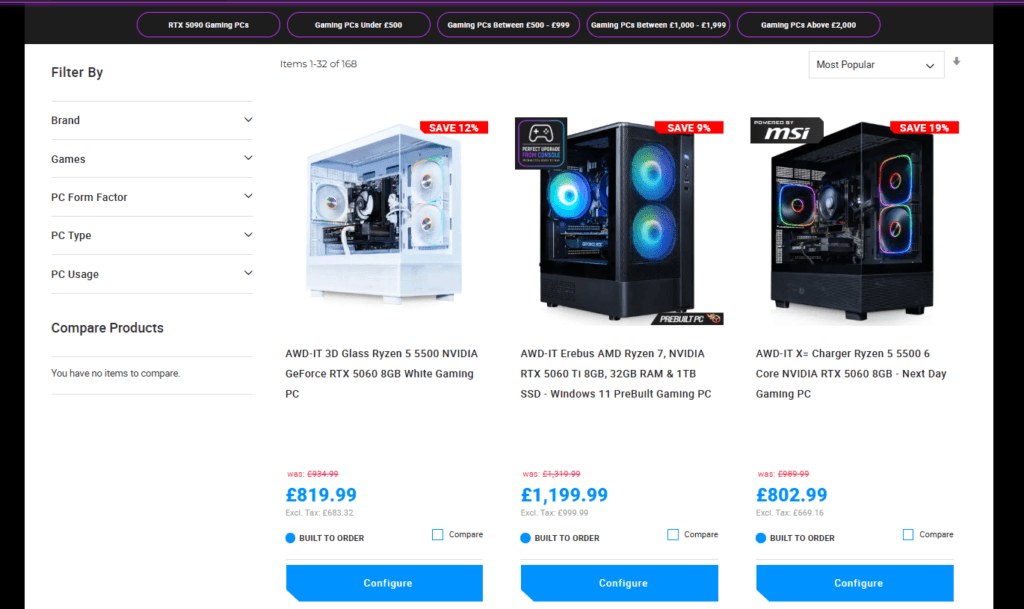
A pre-built PC can be a practical choice when you want a complete system without researching every individual component. You can select a machine based on its overall specification and intended use, then focus on choosing the accessories and peripherals that complete your setup.
Customisation, on the other hand, can be attractive when you have specific performance requirements. You may care about the exact processor, graphics card, memory capacity, storage arrangement or visual appearance of your PC.
There is no universally correct option. The best choice is the one that matches your technical knowledge, available time and performance goals.
Understanding the Most Important PC Components
PC specifications can look complicated, especially for first-time buyers. However, understanding the purpose of the main components makes comparing systems much easier.
The Processor
The CPU handles a wide range of calculations and system processes. It is particularly important for demanding applications, multitasking and games that rely heavily on processor performance.
The Graphics Card
For gaming, the GPU is often one of the most important components. It is responsible for rendering graphics and has a major impact on the frame rates and visual settings a system can handle.
RAM
Memory allows applications and processes to operate efficiently. The right amount depends on how you use your PC, particularly if you regularly multitask or run demanding software.
Storage
Fast SSD storage can improve loading times and overall system responsiveness. Capacity is equally important if you have a large library of games, videos or work files.
Cooling
Powerful components generate heat, so effective cooling is an important consideration for system stability and long-term use.
Shoppers comparing hardware at AWD-IT can use these basics to build a clearer picture of which components deserve the largest share of their budget.

Upgrading an Existing PC Instead of Replacing It
Not every slow or outdated computer needs to be replaced completely. In some situations, a carefully selected upgrade can extend the useful life of an existing system.
Depending on the PC and its compatibility, potential upgrades may include:
- Installing additional RAM
- Replacing older storage with an SSD
- Increasing available storage capacity
- Upgrading the graphics card
- Improving cooling
- Replacing an older power supply where appropriate
Before purchasing components, always check compatibility with your motherboard, case dimensions, power requirements and existing hardware.
This is where shopping with a specialist retailer such as AWD-IT can be useful, as buyers can explore individual components alongside complete systems.
How Much Should You Spend on a Gaming PC?
There is no single answer because gaming PCs can be configured for very different performance levels. A sensible budget starts with your actual requirements rather than simply buying the most expensive hardware available.
Consider dividing your budget according to what matters most to your setup.
If you mainly play competitive games at a lower resolution, you may not need the same graphics hardware as someone aiming for demanding games at very high resolutions. Similarly, a content creator may place greater value on processor performance, memory and storage than a typical gamer.
It is also worth remembering that your monitor matters. Buying a powerful PC without considering your display resolution and refresh rate can lead to an unbalanced setup.
Don’t Forget the Rest of Your Setup
A great computer is only one part of the overall experience. The accessories you use every day can have a noticeable effect on comfort, productivity and gaming performance.
Depending on your requirements, you may also want to consider:
- Gaming monitors
- Mechanical keyboards
- Gaming mice
- Headsets
- Speakers
- Webcams
- Desk and monitor accessories
- Additional storage
Building a setup gradually can often be more practical than trying to purchase every premium accessory at once. Start with the components that have the greatest impact on how you use your computer.
Tips for Choosing the Right Computer Online
Buying a PC online gives you access to an enormous number of configurations, but it also means you need to compare specifications carefully.
- Set your budget before browsing
- Choose based on your actual workload
- Compare the full specification, not just one component
- Check whether the system has room for future upgrades
- Consider storage requirements realistically
- Check your monitor’s resolution and refresh rate
- Review compatibility before buying separate components
- Look at current promotions before completing your purchase
Taking a few minutes to compare systems can help you avoid paying for unnecessary performance while ensuring the computer you choose is capable of handling the tasks you care about.
Who Is AWD-IT Worth Considering?
The range at AWD-IT may be particularly relevant to people looking for more than a basic office computer.
This includes:
- PC gamers building a new setup
- First-time gaming PC buyers
- Experienced PC enthusiasts
- Users upgrading individual components
- Content creators
- Streamers
- Professionals with demanding software requirements
- Anyone comparing desktop PC configurations in the UK
Having access to complete systems as well as components can make it easier to approach a purchase based on your specific requirements rather than following a one-size-fits-all recommendation.
Start With What You Need
The best PC is not necessarily the one with the longest specification list. It is the one that delivers the performance you need for the games, software and tasks you actually use.
Before buying, think about your current needs, future plans and budget. Compare complete systems if convenience is your priority, or explore components if you are building or upgrading a machine yourself.
For UK shoppers searching for gaming PCs, computer hardware and upgrade components, AWD-IT is worth exploring when you are ready to compare your options.
Browse the latest PCs and components today and find a setup that matches the way you work, create and play.